 Install on Shopify
One Rule Per Product
No priority screen, because limits are a pass or fail gate.
Short answer
A single product can only be governed by one active Prime MOQ rule at a time. This is resolved automatically, with no priority order to configure, because an order limit is a pass or fail gate rather than a stackable adjustment like a discount. Two limits on one product would produce ambiguous outcomes: which minimum wins, and do both maximums apply?
- There is no conflict-resolution screen, unlike discount-stacking tools.
- Split rules by scope so live rules never cover the same products.
- Use Customer eligibility, not a second rule, when different groups need different treatment.
- When two physical constraints collide, enforce the harder one and express the other in your catalogue structure.
Inside the app
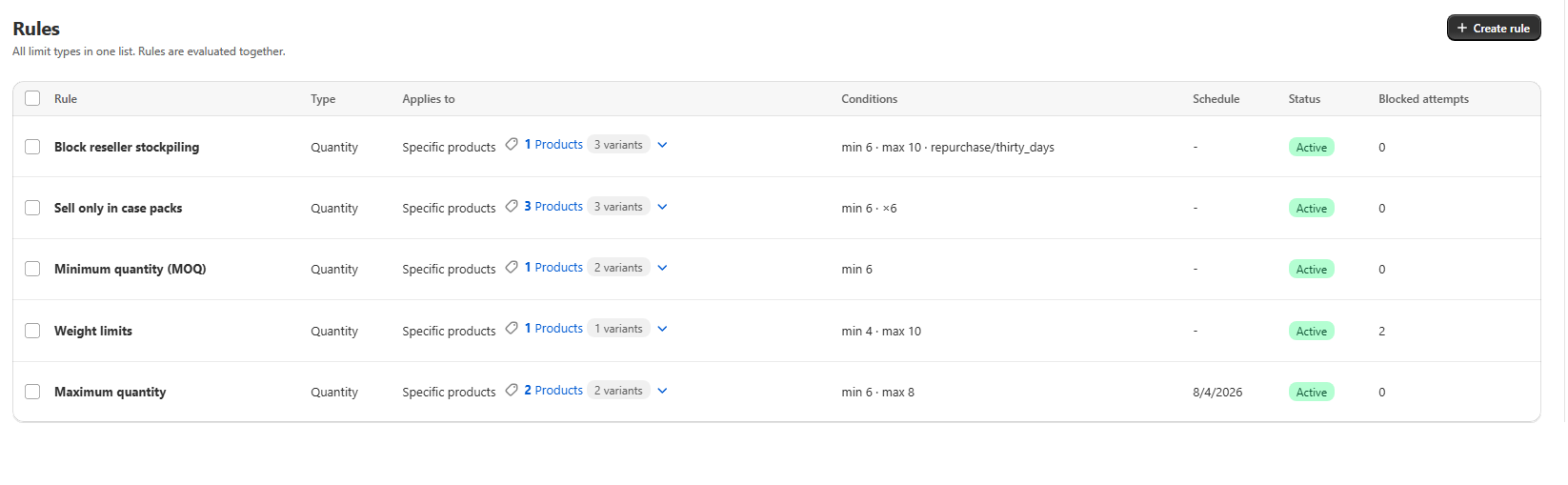
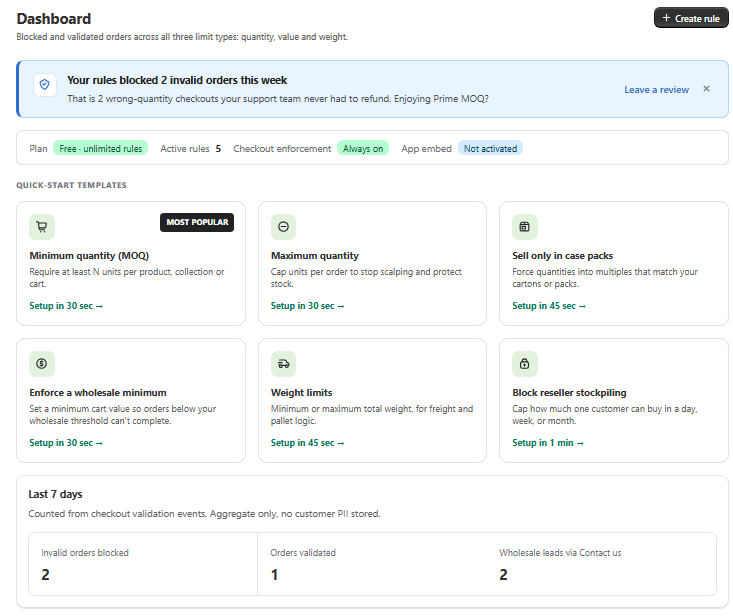
Real screens from Prime MOQ · Order Limits.
What you get
Deterministic by design
Whichever rule currently resolves to a product is the one enforced for it, so behaviour never depends on ordering.
Split by scope
Different pack sizes for different variants belong in separate, non-overlapping rule scopes.
Group differences via eligibility
A tighter limit for one group and a looser one for another is one rule narrowed by tag, not two rules.
Harder constraint wins
When a weight cap and a case pack collide, enforce weight and express the pack through carton variants.
How it works
- 1Plan scopes so that no two active rules match the same product.
- 2Use collections, tags, vendors or product types to keep boundaries clean.
- 3Where a group needs different treatment, narrow the existing rule with Customer eligibility.
- 4Use Calculate items count before saving to see exactly what a rule matches.
- 5Deactivate or archive an older rule rather than layering a new one over it.
Why it works this way
An order limit either passes or fails. Two limits on the same product at once would create ambiguous outcomes, so the design keeps the relationship one to one. That removes an entire class of debugging: there is never a question of which of five rules quietly won.
What to do instead of stacking
If you need different constraints on the same product line, split by scope rather than stacking rules.
- Different pack sizes per variant: use separate variants or separate, non-overlapping rule scopes.
- A weight cap and a case-pack requirement on the same SKUs: enforce weight, the harder physical limit, and sell the item as fixed-size carton variants.
- A tighter limit for one customer group: narrow eligibility on one rule instead of adding a second product-scoped rule.
Common mistakes
- Building two rules for the same collection and expecting a priority order to settle it.
- Assuming an inactive-looking rule is not the one governing a product. Check the effective status badge.
- Overlapping a store-wide rule with a collection rule instead of excluding the collection from the store-wide scope.
Frequently asked questions
- Is there a priority field I can set?
- No. Resolution is automatic and one to one, so there is no priority order to configure.
- How do I give wholesale a different minimum than retail?
- Scope one rule to the wholesale tag with Customer eligibility and leave retail unrestricted, rather than creating a second overlapping rule.
Best for
Large catalogues with many exceptions that need predictable behaviour.
Want a walkthrough of this rule?
We'll set it up live on your catalog in 30 minutes.